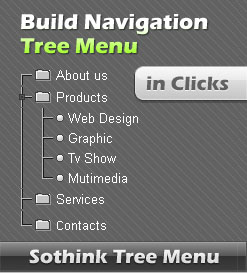
Tree Menu Builder - Upgrade
Tree Menu has been upgraded to new version. The program has optimized much better. You can download the latest version to upgrade tree menu. If you want to upgrade the tree menu page into the latest version, please follow the steps below to get it.
Three Steps to Upgrade Tree Menu Pages
-
Open the STM file
Open the STM file which is created by previous version in the latest program. -
Publish JS files
Clicking the button "Publish" to publish the tree menu once more, you will see the resource files (image and js files) and the generated codes.
If you have set the web path for the tree menu before, just choose "View or copy resource files to specified directory", copy the js file to the original directory, and replace the previous js files.
If you haven't set the web path for the tree menu before, just publish the tree menu into the directory the same with the tree menu page, and replace the previous js files. -
Upload js files
Upload new js files to the server so that you can apply the new functions to your tree menu.
New tree menus are created once upgrading js files. Open the tree menu page to experience the new function in new program.
Tree Menu Builder - Sothink Tree Menu
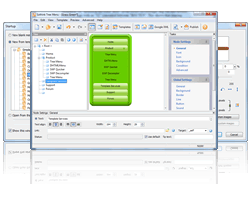 Sothink Tree Menu allows you to create JavaScript tree menu for huge category website. Build cross-browser tree menu, fast loading navigation bar and SE DHTML menu without writing a single line of JavaScript code. 50+ templates; image library; and seamlessly integrate with HTML editors, Dreamweaver, FrontPage, etc.